3D mug mockup with your design
Upload your design and see the finished mug in less than a minute, at actual print size. Send it to your client as an image, video, or 3D link they can rotate right on their phone.
Create a free mug mockup



Why create your mug mockup here
True-to-size
The design goes in the 251 × 95 mm area of the porcelain mug, so the print looks on the mockup just as it will on the actual product.
Customers can rotate the mug
With the 3D link, they can see the design from every angle on their phone and approve the quote without waiting for a photo.
Ready in under a minute
No need for Photoshop or a photo of the mug. Upload the design, adjust its position, and download.
Try it without signing up
Create your first mockup without an account. To download without the watermark, just create a free account.
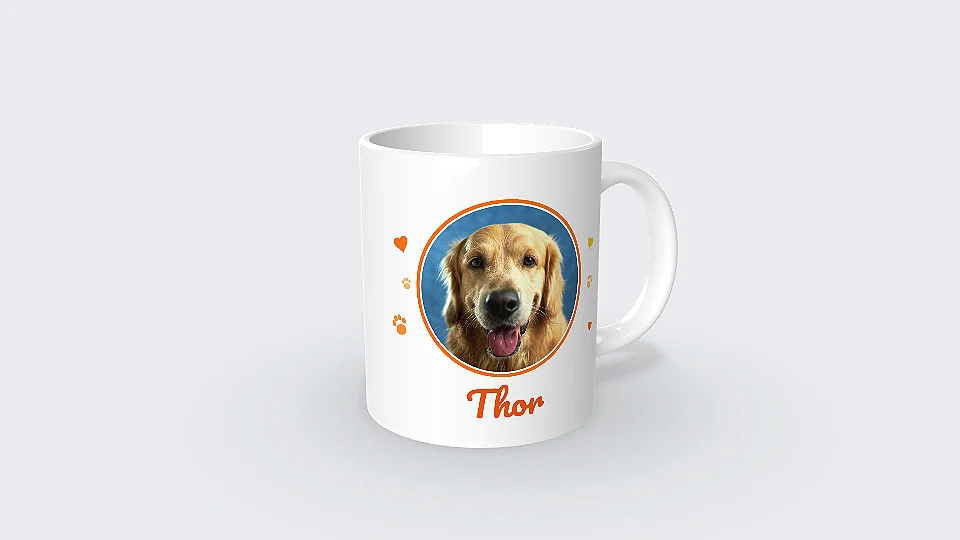
Send your client a mug they can rotate in 3D
The 3D link opens in any phone’s browser, with nothing to install. Your client can zoom in, check the design on both sides of the handle, and reply right in WhatsApp.
Create the mug’s 3D link
“I just tried it: I sent the link to a customer and she loved the experience. She said she had never seen anything like it!”
 Kanekadas Brindes@kanekadasbrindes
Video of the mug spinning (great for reels)
The video shows the mug spinning with your artwork, in MP4 up to 4K, ready to post to stories, reels, WhatsApp or your status.
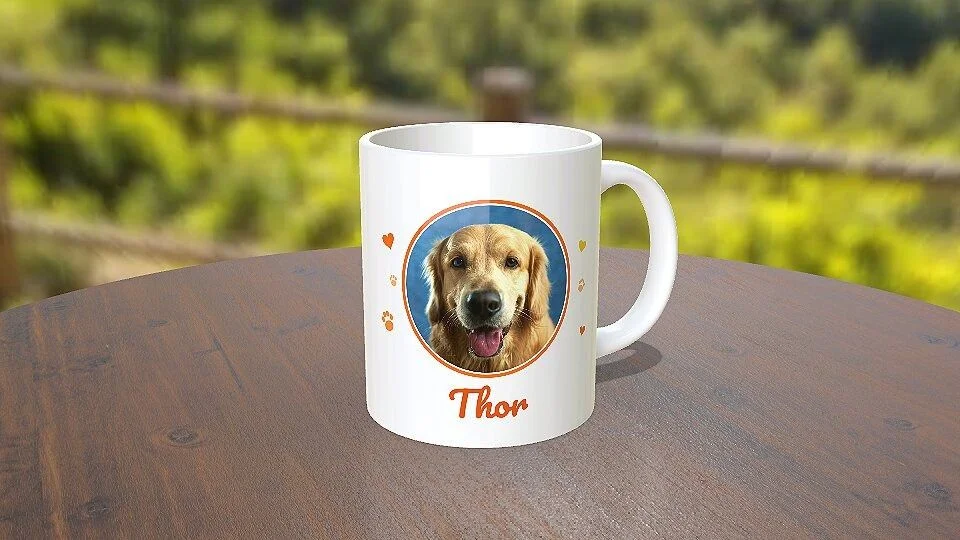
A photo for your catalog, without taking pictures
High-resolution PNG, in a studio, on a table, in a setting or with no background. With just one design, you can generate several images with different poses and settings.
Other variations of this mug


Mug specifications
- Material
- Porcelain, Decal
- Main
- 251 × 95 mm
- Decal
- 251 × 95 mm
- Bottom
- 73 × 73 mm
How to make a mug mockup
-
1
Open the mug in the editor
Click to create a mockup. The 325 ml porcelain mug opens in 3D in your browser.
-
2
Upload the design
Use PNG or JPG. The design fits the print area, and you can adjust its position, the color, and the background.
-
3
Download or send the link
Download the image or video, or generate the 3D link and send it to the client on WhatsApp.
1. Open the mug in the editor
Other mug templates


What sellers using Rapid Mockup have to say
★★★★★
“I love it for multi-sided images where the design wraps past one side! It's a great option.”
★★★★★
“I cannot do without this app! It is such an important part of my business!!”
★★★★★
“I use Rapid Mockup every day in my production workflow, and the tool delivers exactly what it promises. The final quality of the images and videos and how easy it is to navigate save me a lot of time. Plus, the variety of products and the 3D customization possibilities within the platform are huge. I highly recommend it to anyone who needs to create professional presentations without any hassle!”
Translated from Portuguese · See original
“Utilizo o Rapid Mockup todos os dias no meu fluxo de produção e a ferramenta entrega exatamente o que promete. A qualidade final das imagens e vídeos e a facilidade de navegação economizam muito tempo. Além disso, a variedade de produtos e as possibilidades de personalização em 3D dentro da plataforma são gigantescas. Recomendo fortemente para quem precisa criar apresentações profissionais sem complicação!”
Questions about the mug mockup
What size should the mug artwork be?
The main area is 251 × 95 mm. For a sharp print, set up the artwork at 300 dpi, which comes to about 2965 × 1122 pixels. In the mockup, any image with these proportions will fit.
Can I add artwork to the bottom of the mug?
Yes. The base has its own print area, measuring 73 × 73 mm.
Can I change the mug color and the photo background?
Yes. In the editor, you can change the color, material, setting, and angle before downloading.
How do I send the mockup to the client for approval?
Generate the 3D link and send it via WhatsApp, like any other link. It opens in the mobile browser without installing anything and stays available for 30 days.
Do I need to create an account to make a mug mockup?
To try it out, no. The mug opens directly, and the mockup appears with the Rapid Mockup watermark. To download it without the watermark, sign in with an account; a free account works.
Can I use the mug mockup to sell?
Yes. The terms allow you to use any mockup for selling, including those made with the free plan.
Are there other mug designs?
Yes. The catalog has over 20 mug designs, such as a beer mug, a thermal mug, a heart-handle mug, and one with a bamboo lid. They’re in the gallery just above.
“I win every customer when I present the product in 3D”
 SubliMatec Personalizados@sublimatec.personaliza
· customer for 6 years
Send your next mug quote with the product already ready
No sign-up required to try it. Your first mug mockup is ready in less than a minute.
Create a mug mockup