3D planner mockup with your design
Upload your design and see the finished planner in under a minute, with the print on the front and back covers. Share it in 3D with a link your customer opens on their own phone, or download it as an image or video.
Create a free planner mockup



Why make your planner mockup here
Front and back cover
You can put one design on the front cover and another on the back, or use the same one on both.
Your customer sees the planner in 3D
With the 3D link, your customer sees on their own phone how the planner will look, before you print it.
Ready in under a minute
No need for Photoshop or a photo of the planner. Upload the design, adjust the position and download.
Try it without signing up
Make your first mockup without an account. To download it without the watermark, just create a free account.
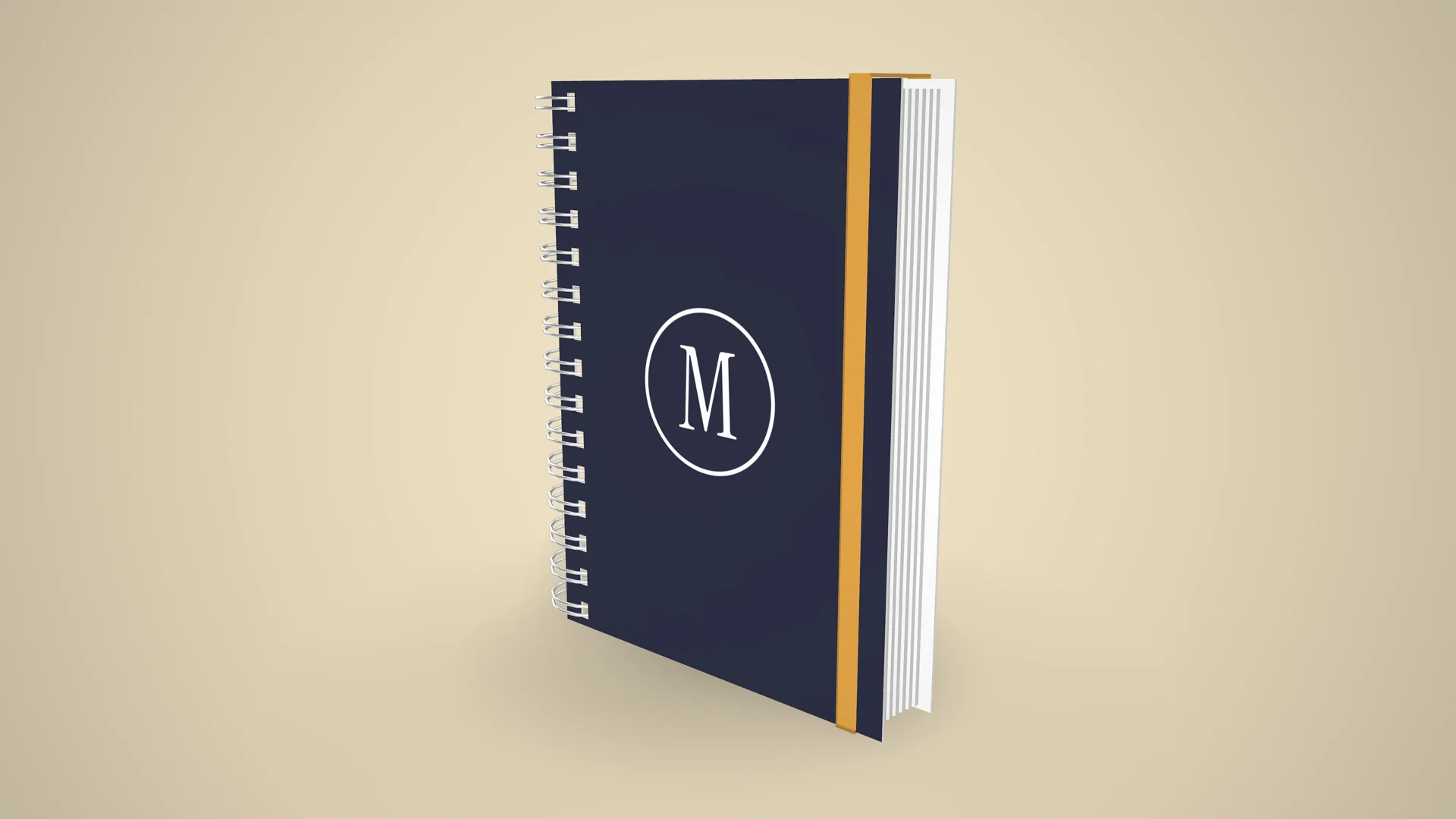
Send the planner for your customer to see in 3D
The 3D link opens in any phone's browser, with nothing to install. Just send it on WhatsApp, and your customer sees how the planner will look from every side.
Create the planner's 3D link
“I just tried it: I sent the link to a customer and she loved the experience. She said she had never seen anything like it!”
 Kanekadas Brindes@kanekadasbrindes
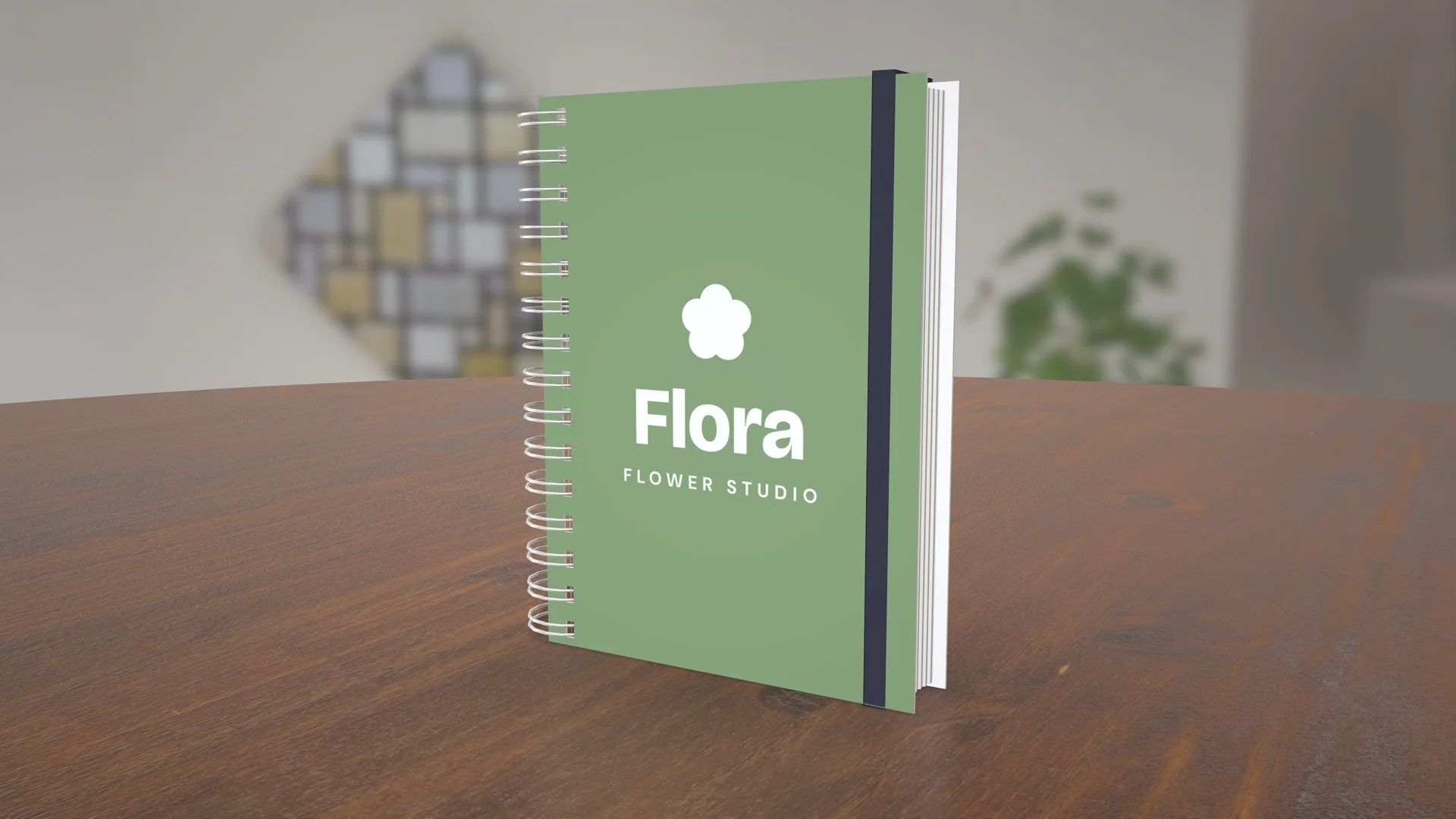
Video of the planner spinning (great for reels)
The video shows the planner spinning with your design, in MP4 up to 4K, ready to post to stories, reels, WhatsApp or your status.
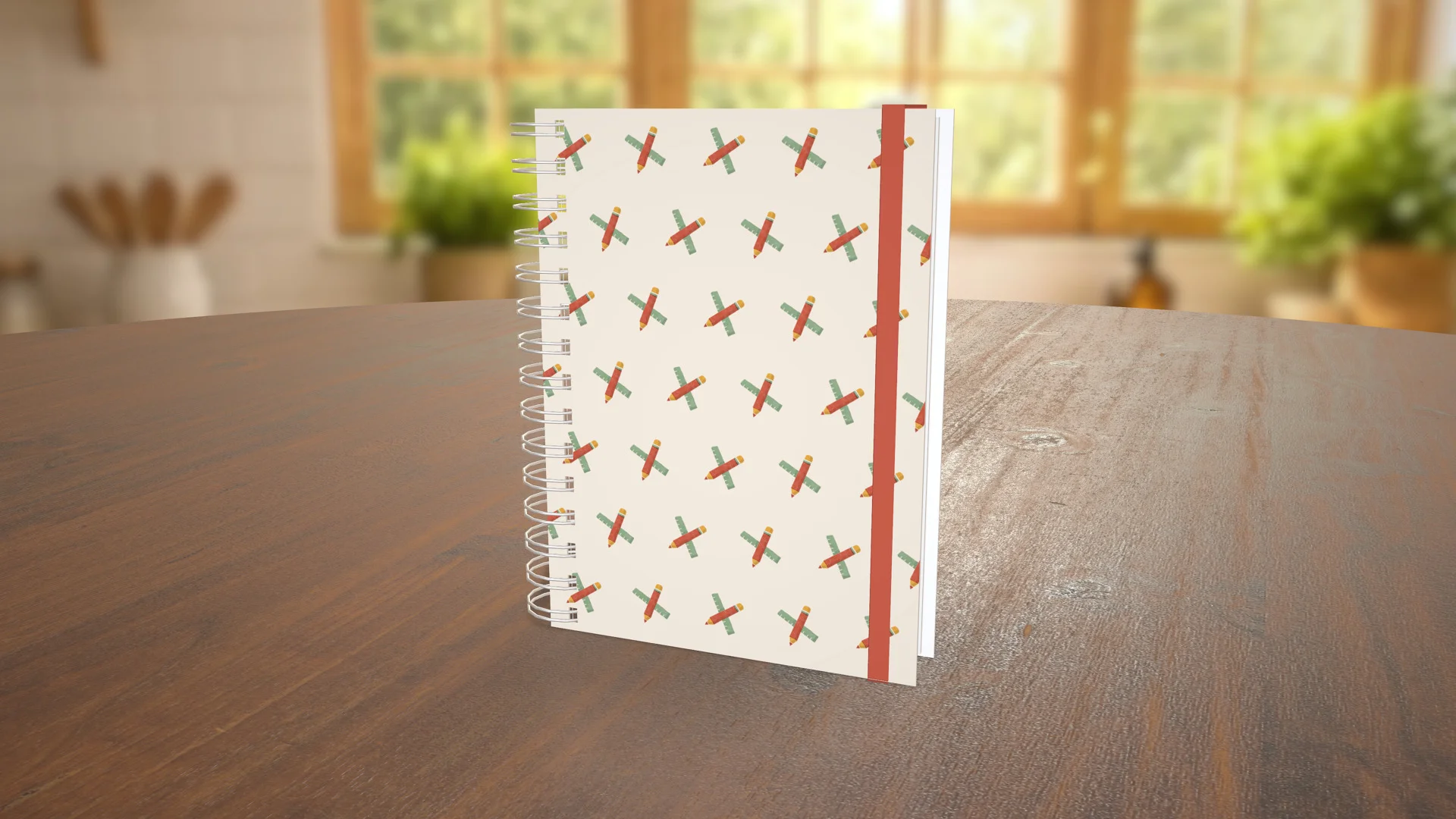
Photos for your catalog, without a photo shoot
High-resolution PNG, in the studio, on a table, in an environment or with no background. With a single design, you can create several images in different poses and colors.
More planner mockups


Planner specifications
- Material
- Paper, Fabric, Chrome
- Front
- 297 × 420 mm
- Back
- 297 × 420 mm
How to make a planner mockup
-
1
Open the planner in the editor
Click Create mockup. The planner opens in 3D in your browser.
-
2
Upload your design
Use PNG or JPG on the front and back covers, then adjust the position, the size and the color of the elastic band.
-
3
Share in 3D or download
Share it in 3D with your customer on WhatsApp, or download the image or the video.
1. Open the planner in the editor
What sellers using Rapid Mockup have to say
★★★★★
“I love it for multi-sided images where the design wraps past one side! It's a great option.”
★★★★★
“I cannot do without this app! It is such an important part of my business!!”
★★★★★
“It makes it much easier for the customer to understand what the final product will look like. Easy to use, very practical.”
Translated from Portuguese · See original
“Facilita demais para o cliente entender como ficará o produto final. Fácil de usar, muito prático.”
Questions about the planner mockup
What size should the planner design be?
The front and back covers have the same proportions as A4 and A5 paper. For an A5 planner, set up the design at 300 dpi, which comes to 1748 × 2480 pixels. In the mockup, any image with these proportions fits.
Can I print on the back cover?
Yes. The back cover has its own print area, the same size as the front.
Can I change the elastic band color and the photo background?
Yes. In the editor you can change the elastic band color, the environment and the angle before downloading.
How do I send the mockup for my customer to approve?
Create the 3D link and send it on WhatsApp. It opens in the phone's browser, with nothing to install, and stays online for 30 days.
Do I need an account to make a planner mockup?
Not to try it. The planner opens right away and the mockup shows the Rapid Mockup watermark. To download it without the watermark, just create a free account.
Can I use the planner mockup to sell?
Yes. The terms let you use any mockup to sell, including the ones made on the free plan.
Are there other planner and notebook models?
Yes. The catalog has a notebook, an A5 notebook, a ring binder and a notepad, plus the planner on the balcony and on display. They're in the galleries just above.
“I win every customer when I present the product in 3D”
 SubliMatec Personalizados@sublimatec.personaliza
· customer for 6 years
Send your next planner quote with a 3D mockup
Upload your design and see how the planner will look. Your first planner mockup is ready in under a minute.
Create a planner mockup