3D T-shirt mockup with your artwork
Upload your artwork and see your men's or women's T-shirt ready in less than a minute, with the design on the front, back, or sleeves. Share it in 3D with a link your client can rotate on their own phone, or download it as an image or video.
Create a free T-shirt mockup



Why create your T-shirt mockup here
Six print areas
Front, back, both sleeves, the collar, and the inside. You can print anything from a logo on the chest to the entire T-shirt.
The customer rotates the T-shirt
With the 3D link, they can view the front, back, and sleeves on their phone and approve the order without waiting for a sample.
Ready in less than a minute
No need for Photoshop or to photograph the T-shirt. Upload the artwork, adjust its position, and download.
Free to try
Build your mockup and see the result. You only need an account to download, and a free one works.
Send the T-shirt for your client to rotate in 3D
The 3D link opens in any phone's browser, with no installation needed. Your client can turn the T-shirt, zoom in to check the design on the back and sleeves, and reply right on WhatsApp.
Create the 3D T-shirt link
“I just tried it: I sent the link to a customer and she loved the experience. She said she had never seen anything like it!”
 Kanekadas Brindes@kanekadasbrindes
Animated T-shirt videos (great for reels)
The fabric moves realistically: preview the T-shirt walking, moving in the wind, or in a scene, such as inside a store. The video is exported as an MP4 up to 4K, ready to post to stories, reels, WhatsApp, or your status.
Create a video of the T-shirt walking
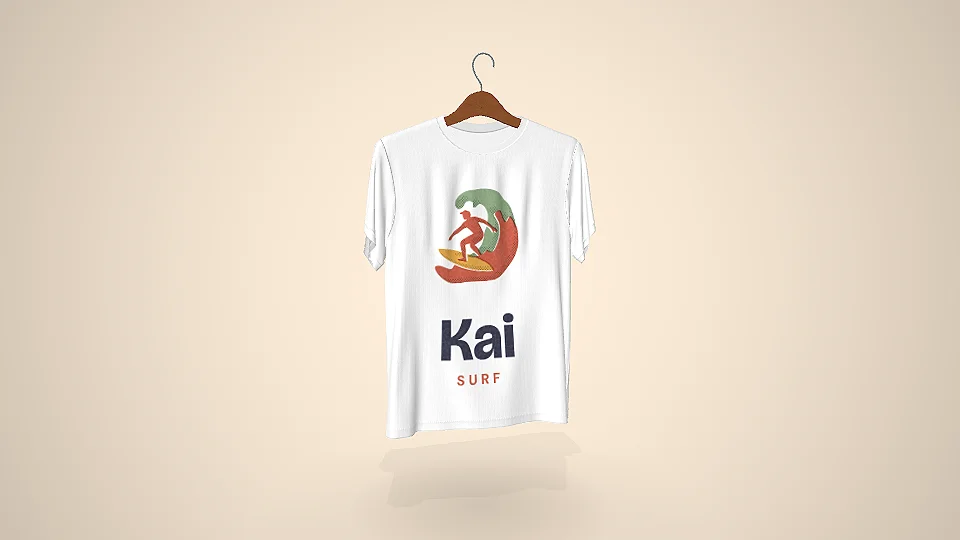
Images for your catalog, without needing to take photos
High-resolution PNGs, in a studio, or with a transparent background. With a single design, you can generate several images with different poses and colors.
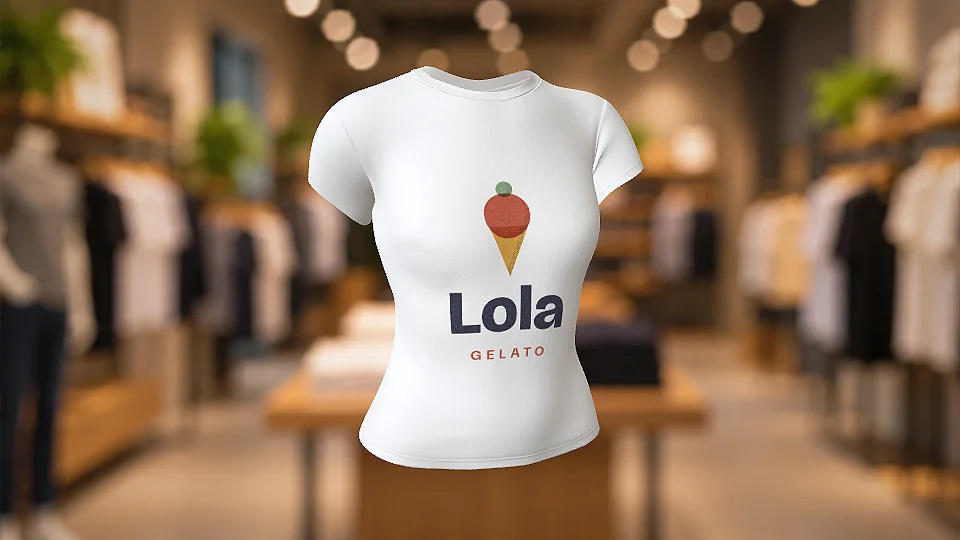
Women's T-shirt, with the same editor
The women's T-shirt has its own model, with video showing it while walking, in the wind, and in a store. You can create the same design on both the men's and women's T-shirts and send both to the customer to choose from. The catalog also has baby tees, a more fitted option, a V-neck, etc.
Create a women's T-shirt mockup
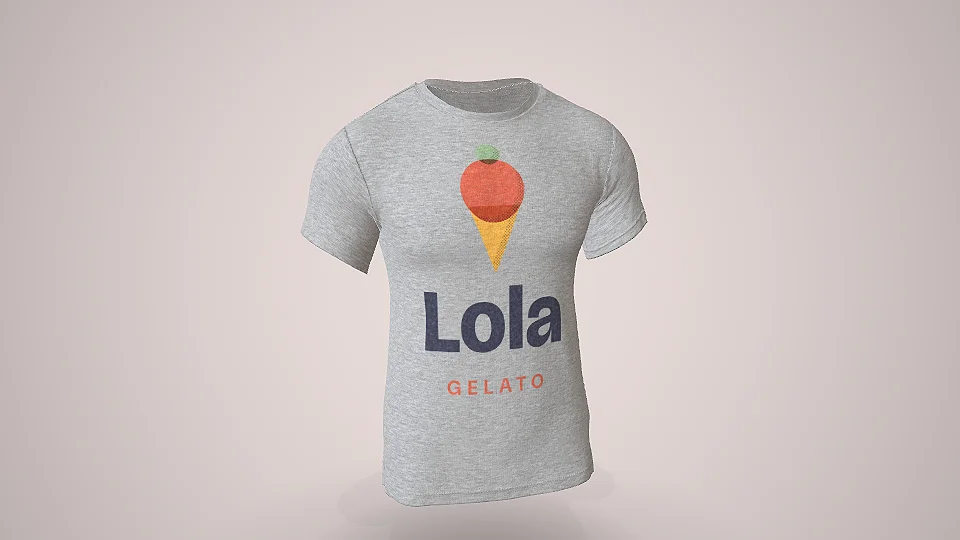
Heather gray T-shirt with visible fabric texture
On the heather gray T-shirt, the fabric shows real heathered yarn, not a solid gray color. That way, the customer sees the same fabric in the mockup that they'll receive. Heather gray is available on the men's T-shirt, raglan, women's V-neck, and polo.
Create a heather gray mockup
DTF print just as it looks on the finished garment
In the editor, enable DTF for the print and choose the finish: matte, satin, varnish, mirrored, or raised (puff). The mockup shows the film on the fabric, including the transfer's edge and raised texture, so the customer can see the finish they'll receive.
More men's and women's T-shirt mockups


T-shirt spec sheet
- Material
- Fabric
- Front
- 520 × 720 mm
- Back
- 520 × 738 mm
- Inside
- 520 × 738 mm
- Neck
- 407 × 56 mm
- L Sleeve
- 473 × 239 mm
- R Sleeve
- 473 × 239 mm
How to make a T-shirt mockup
-
1
Open the T-shirt in the editor
Click to create a mockup. The T-shirt opens in 3D in your browser, with the front, back, and sleeves ready for your artwork.
-
2
Upload the artwork
Use PNG or JPG for each area you want to print on, then adjust the position, size, and fabric color.
-
3
Share in 3D or download
Share in 3D with the customer via WhatsApp, or download the image or video.
1. Open the T-shirt in the editor
Other T-shirt and shirt styles


What store owners who use Rapid Mockup have to say
★★★★★
“I cannot do without this app! It is such an important part of my business!!”
★★★★★
“I love it for multi-sided images where the design wraps past one side! It's a great option.”
★★★★★
“We've been using this system for years, and its evolution gives us incredible confidence. With hundreds of products to personalize, every day it delivers exactly what we need to serve our end customer: the mockup and a demonstration of what the product will look like before production. Rapid Mockup's innovation does everything excellently, and we can only be grateful for the quality it always delivers. Congratulations!”
Translated from Portuguese · See original
“A anos utilizamos este sistema e a evolução nós transmite uma confiança incrível pois como existem centenas de produtos na personalização a cada dia nós entrega exatamente o que precisamos para atender nosso cliente final, o mockup e a demostração de como irá ficar o produto antes da produção. A inovação Rapid Mockup faz tudo com excelência e só temos a agradecer pela qualidade que sempre entrega. Parabéns”
Questions about the T-shirt mockup
What size should the artwork for the T-shirt be?
The front measures 520 × 720 mm, which is the entire panel. To cover the whole front with sharp detail, create the artwork at 300 dpi, which comes to about 6142 × 8504 pixels. For a chest logo, a smaller image is enough, because you can position it and adjust the artwork size in the editor.
Can I print on the back and sleeves?
Yes. Each part has its own area: the back is 520 × 738 mm, the sleeves are 473 × 239 mm, and the collar is 407 × 56 mm. There’s also the inside, for a label or an inner print.
Can I make a video of the T-shirt in motion?
Yes. The animated mockups show the T-shirt walking, blowing in the wind, or in a ready-made scene, like the store scene. They’re in the T-shirt mockup gallery just above.
Can I show the print in DTF?
Yes. Enable DTF for the print and choose the finish, from matte, which is standard textile DTF, to raised relief. The mockup shows the film’s edge and raised texture, just as they appear on the garment.
Does it work for company or team uniforms?
Yes. Add the logo on the chest and the name or number on the back, then share it in 3D so the client can approve it before production. The catalog also includes a polo shirt and sports uniform.
Can I change the T-shirt color and the photo background?
Yes. In the editor, you can change the fabric color, setting, and angle before downloading. For heather gray, use the dedicated model, which includes the fabric texture.
How do I send the mockup to the client for approval?
Share it in 3D and send the link via WhatsApp, just like any other link. It opens in the phone's browser, with no installation needed, and stays online for 30 days.
Do I need to create an account to make a T-shirt mockup?
Not to try it. The T-shirt opens right away, and the mockup appears with the Rapid Mockup watermark. To download it without the watermark, sign in with an account (a free one will do).
Can I use the T-shirt mockup to sell?
Yes. The terms allow you to use any mockup for selling, including those made on the free plan.
Do you have a women's T-shirt mockup?
Yes. The women's T-shirt has its own model, with a video of someone walking, in the wind, and in a store. The catalog also includes the babylook and the women's V-neck.
Are there other T-shirt styles?
Yes. The catalog has more than 20 T-shirt and shirt styles, such as the babylook, the V-neck, the raglan, the long-sleeve, the polo, and the tank top. They’re in the gallery, just above.
“I win every customer when I present the product in 3D”
 SubliMatec Personalizados@sublimatec.personaliza
· customer for 6 years
Send your next T-shirt quote with the finished mockup included
Upload your design and see the result. Your first T-shirt mockup is ready in less than a minute.
Create a T-shirt mockup