3D long-sleeve T-shirt mockup with your design
Upload your design and see the finished men's or women's long-sleeve T-shirt in under a minute, with the print on the front, the back or the sleeves. Share it in 3D with a link your customer opens on their own phone, or download it as an image or video.
Create a free long-sleeve T-shirt mockup



Why make your long-sleeve T-shirt mockup here
Six print areas
The T-shirt has a print area on the front, the back, both sleeves, the collar and the inside. You can print anything from a chest logo to the whole shirt.
Your customer sees the T-shirt in 3D
With the 3D link, your customer sees on their own phone how the T-shirt will look, before you print it.
Ready in under a minute
No need for Photoshop or a photo of the T-shirt. Upload the design, adjust the position and download.
Try it without signing up
Make your first mockup without an account. To download it without the watermark, just create a free account.
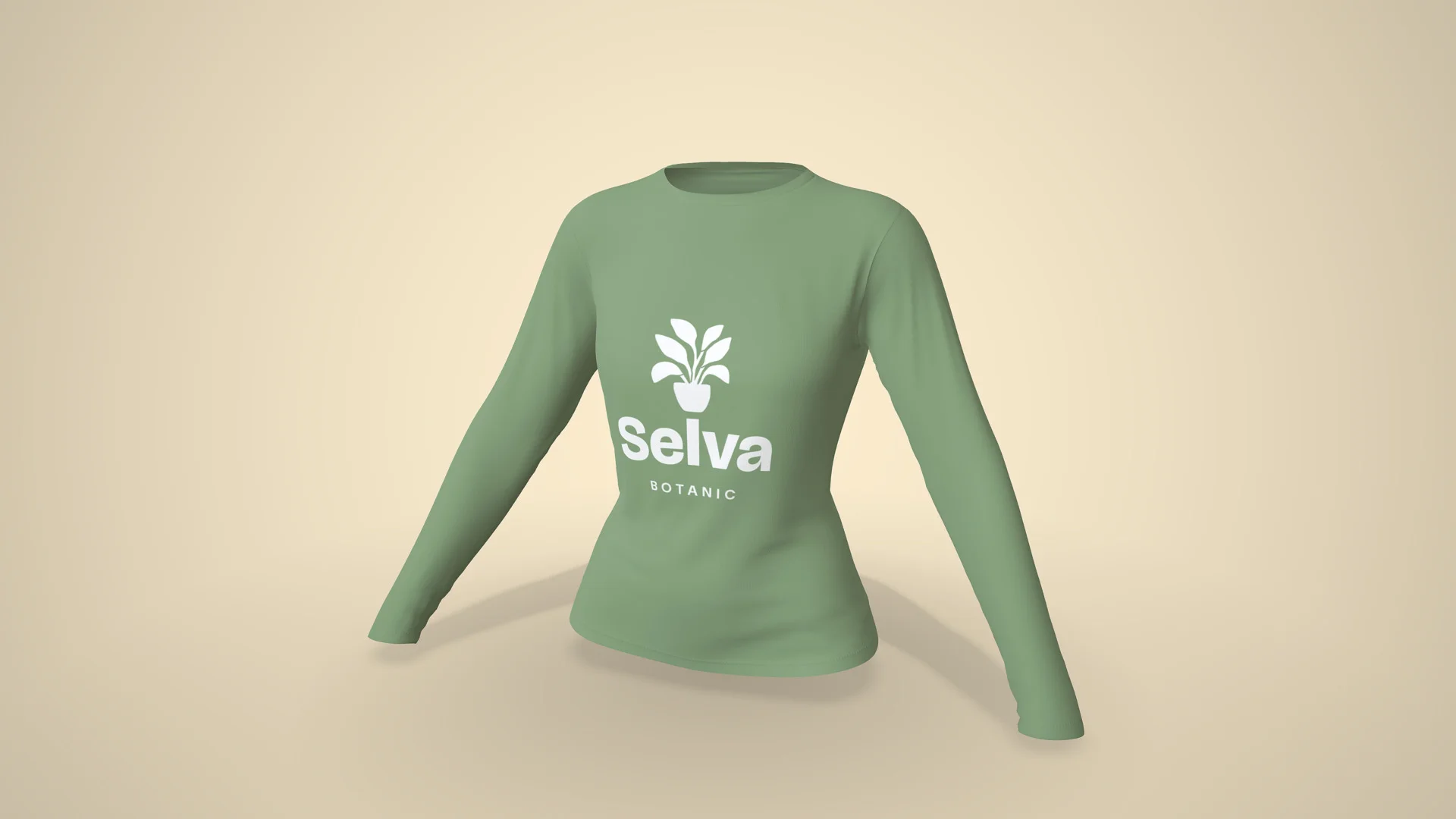
Send the T-shirt for your customer to see in 3D
The 3D link opens in any phone's browser, with nothing to install. Just send it on WhatsApp, and your customer sees how the T-shirt will look from every side.
Create the T-shirt's 3D link
“I just tried it: I sent the link to a customer and she loved the experience. She said she had never seen anything like it!”
 Kanekadas Brindes@kanekadasbrindes
Video of the long-sleeve T-shirt walking (great for reels)
The video shows the T-shirt walking, with the fabric moving and your design on it, in MP4 up to 4K, ready to post to stories, reels, WhatsApp or your status.
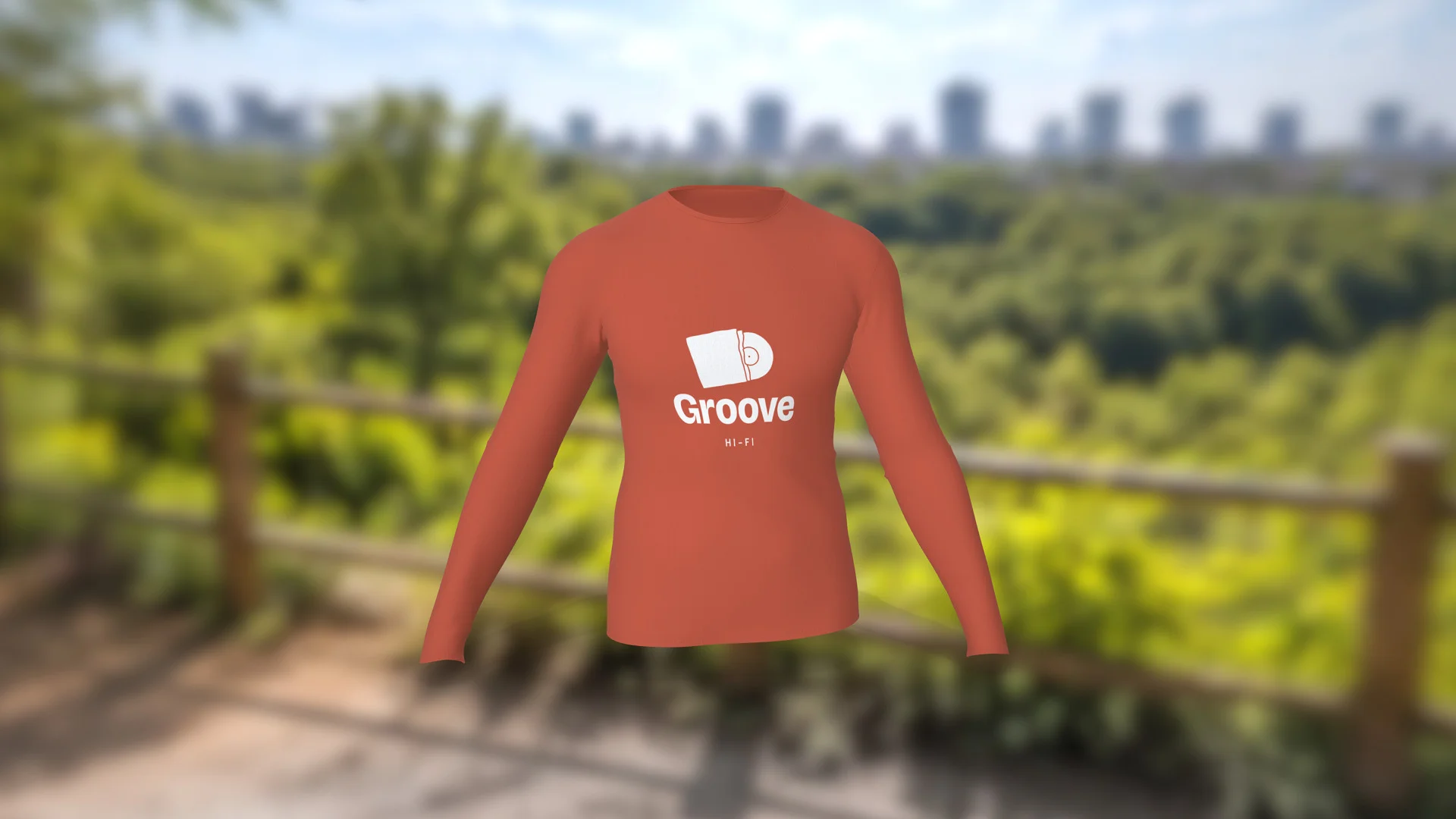
Photos for your catalog, without a photo shoot
High-resolution PNG, in the studio, on a table, in an environment or with no background. With a single design, you can create several images in different poses and colors.


Long-sleeve T-shirt specifications
- Material
- Fabric
- Front
- 520 × 720 mm
- Back
- 520 × 738 mm
- Inside
- 520 × 738 mm
- Neck
- 407 × 56 mm
- L Sleeve
- 471 × 704 mm
- R Sleeve
- 471 × 704 mm
How to make a long-sleeve T-shirt mockup
-
1
Open the T-shirt in the editor
Click Create mockup. The long-sleeve T-shirt opens in 3D in your browser.
-
2
Upload your design
Use PNG or JPG on the front, the back or the sleeves, then adjust the position, the size and the color of each part of the T-shirt.
-
3
Share in 3D or download
Share it in 3D with your customer on WhatsApp, or download the image or the video.
1. Open the T-shirt in the editor
Other T-shirt mockups


What sellers using Rapid Mockup have to say
★★★★★
“I love it for multi-sided images where the design wraps past one side! It's a great option.”
★★★★★
“I cannot do without this app! It is such an important part of my business!!”
★★★★★
“Very useful for my business, great tool and easy to use.”
Translated from Spanish · See original
“De gran utilidad para mi emprendimiento gran herramienta y facil de usar”
Questions about the long-sleeve T-shirt mockup
What size should the long-sleeve T-shirt design be?
On the men's T-shirt, the front is 520 × 720 mm (20.5 × 28.3 in), the whole panel. To cover the entire front sharply, set up the design at 300 dpi, which comes to 6142 × 8504 pixels. On the women's T-shirt, the front is 468 × 647 mm (18.4 × 25.5 in), or 5528 × 7642 pixels. For a chest logo, a smaller image is enough, because in the editor you position the design and adjust its size.
Can I print on the back and the sleeves?
Yes. Each part has its own area. On the men's T-shirt, the back is 520 × 738 mm and each sleeve 471 × 704 mm. On the women's T-shirt, the back is 468 × 664 mm and each sleeve 423 × 633 mm. There's also the collar and the inside of the back, for a label or an inside print.
Can I change the T-shirt color and the photo background?
Yes. In the editor you can change the color of the T-shirt, the collar and the sleeves, the environment and the angle before downloading.
How do I send the mockup for my customer to approve?
Create the 3D link and send it on WhatsApp. It opens in the phone's browser, with nothing to install, and stays online for 30 days.
Do I need an account to make a long-sleeve T-shirt mockup?
Not to try it. The T-shirt opens right away and the mockup shows the Rapid Mockup watermark. To download it without the watermark, just create a free account.
Can I use the long-sleeve T-shirt mockup to sell?
Yes. The terms let you use any mockup to sell, including the ones made on the free plan.
Does it work as a long-sleeve shirt mockup?
Yes. The model is a crew neck knit T-shirt, which many people just call a long-sleeve shirt. The catalog doesn't have a button-up dress shirt.
Are there other T-shirt models?
Yes. The long-sleeve T-shirt also comes walking, on a hanger, at the square and on the balcony, and the babylook, the V-neck, the raglan and the rash guard are in the galleries just above. The short-sleeve T-shirt is on the T-shirt mockup page.
“I win every customer when I present the product in 3D”
 SubliMatec Personalizados@sublimatec.personaliza
· customer for 6 years
Send your next long-sleeve T-shirt quote with a 3D mockup
Upload your design and see how the T-shirt will look. Your first long-sleeve T-shirt mockup is ready in under a minute.
Create a long-sleeve T-shirt mockup