3D magic mug mockup with your design
Upload your design and see the magic mug ready in under a minute, with your print appearing as it heats up. Share it in 3D with a link your customer opens on their own phone, or download it as an image or video.
Create a free magic mug mockup



Why make your magic mug mockup here
Heat effect in 3D
The mug starts out black, red, blue or any ink color you pick, and the design appears from the bottom up, just like the real thing. The effect works in the editor, in the video and in the 3D link.
DTF sticker on top
The sticker sits on top of the coating and doesn't change with the heat, so you can build the design around the effect: a character stays visible and the scene appears around it with a hot drink.
Your customer sees the mug in 3D
With the 3D link, your customer sees the design appear on their own phone, before you make the mug.
Try it without signing up
Make your first mockup without an account. To download it without the watermark, just create a free account.
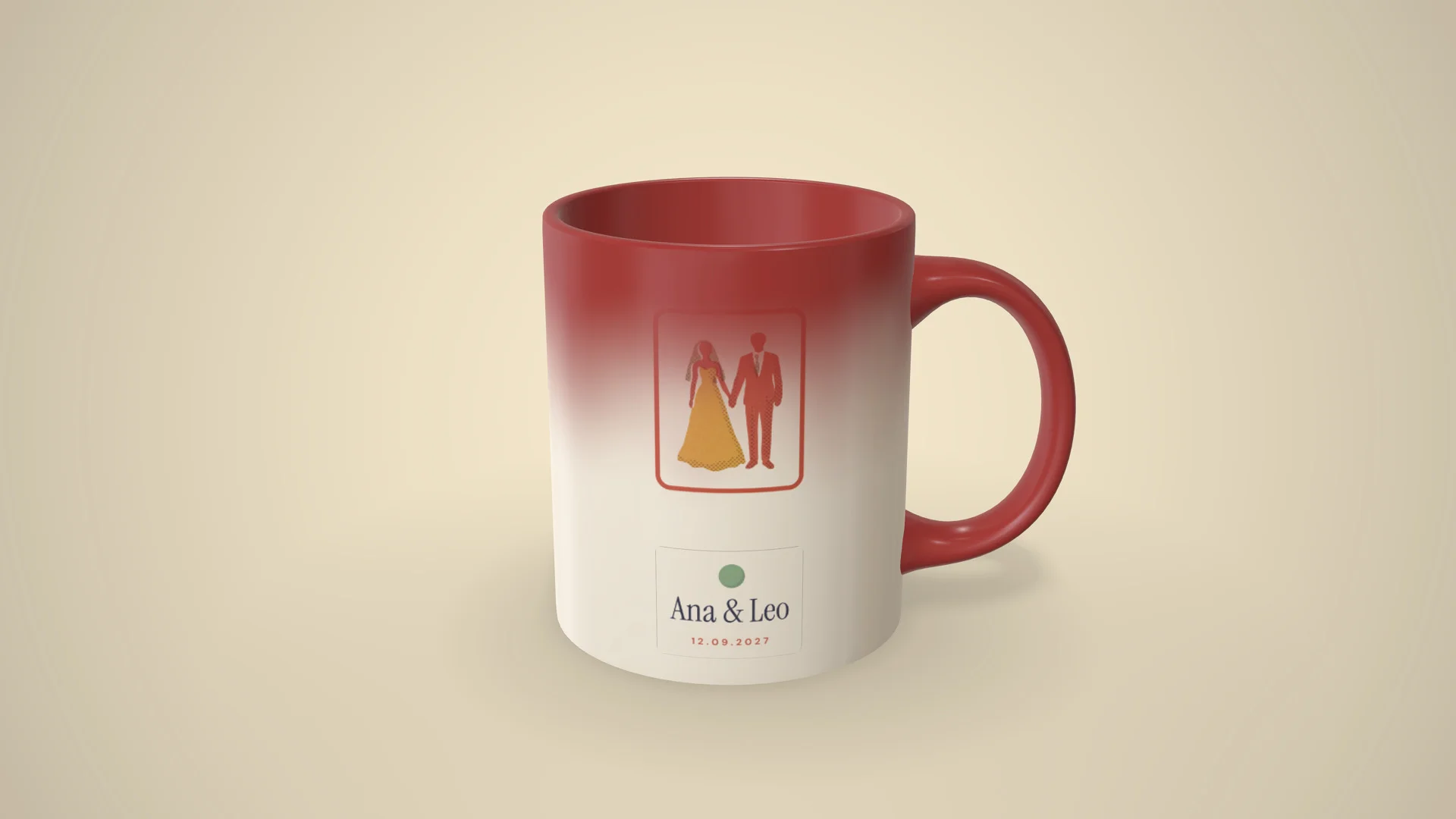
Send the magic mug for your customer to see in 3D
The 3D link opens in any phone's browser, with nothing to install. When your customer opens it, the mug starts out in the ink color and the design shows up, just like it does with a hot drink. Just send it by text, email or WhatsApp.
Create the magic mug's 3D link
“I just tried it: I sent the link to a customer and she loved the experience. She said she had never seen anything like it!”
 Kanekadas Brindes@kanekadasbrindes
Video of the magic mug revealing the design (great for reels)
The video shows the design appearing with the heat and the mug going back to the ink color at the end, so it loops seamlessly. You get an MP4 up to 4K, ready to post to Instagram Stories and Reels.
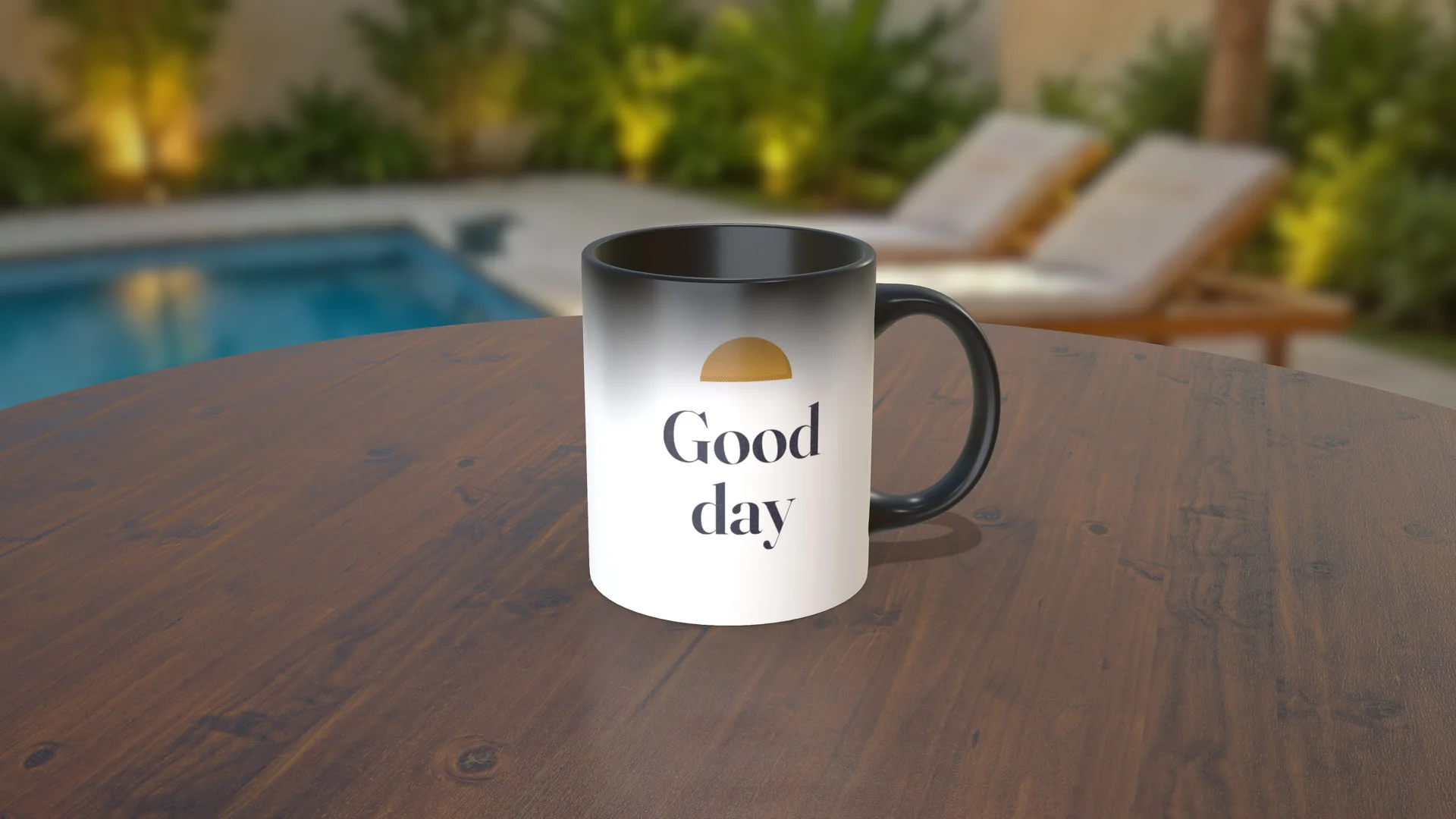
Photos for your catalog, without a photo shoot
High-resolution PNG, in the studio, on a table, in an environment or with no background. You pick the moment of the effect: the mug still in the ink color, halfway through, or with the whole design showing.
More magic mug mockups

Magic mug specifications
- Material
- Matte Ceramic 2, Decal
- Main
- 251 × 95 mm
- Decal
- 251 × 95 mm
- Bottom
- 73 × 73 mm
How to make a magic mug mockup
-
1
Open the magic mug in the editor
Click Create mockup. The mug opens in 3D in your browser.
-
2
Upload the design and the sticker
Use PNG or JPG in the Main area, which sits under the coating. The sticker goes in the Decal area, on top, as a PNG with a transparent background. Adjust the position, the size and the ink color.
-
3
Share in 3D or download
Share it in 3D with your customer by text or WhatsApp, or download the image or the video.
1. Open the magic mug in the editor
Other mug mockups


What sellers using Rapid Mockup have to say
★★★★★
“I cannot do without this app! It is such an important part of my business!!”
★★★★★
“I love it for multi-sided images where the design wraps past one side! It's a great option.”
★★★★★
“I really like Rapid Mockup. It helps a lot with closing orders and makes the work look more professional. I highly recommend it.”
Translated from Portuguese · See original
“Gosto muito do rapid mockup ajuda muito a fechar pedido, deixa o trabalho mais profissional. Super recomendo”
Questions about the magic mug mockup
What size should the magic mug design be?
The design wraps all the way around the mug: the area is 251 × 95 mm, which comes to 2965 × 1122 pixels at 300 dpi. The sticker area is the same size. In the mockup, any image in that proportion fits.
Can I put a DTF sticker on top of the effect?
Yes. The Decal area sits on top of the coating and stays visible while the mug changes, like DTF or UV DTF on a real mug. That's how you build a design with the effect: a character on the sticker with the scene appearing around it, or a name that gets its frame and photo when the hot drink goes in. Use a PNG with a transparent background so the sticker doesn't cover the design underneath.
Can I add a design to the bottom of the mug?
Yes. The bottom has its own area, 73 × 73 mm (862 × 862 pixels at 300 dpi).
Does the magic mug come in other colors?
Yes. The Magic ink can be black, red, blue or any other color, and the handle and the inside can match the ink or be a different color. In the editor you can also change the environment and the angle before downloading.
Can the video end with the mug back in the ink color?
Yes. When you create the video, check "Darken again at the end": the design appears, stays visible for a moment and the mug goes back to the ink color, so the video loops seamlessly.
How do I send the mockup for my customer to approve?
Create the 3D link and send it by text or WhatsApp. It opens in the phone's browser, with nothing to install, shows the design appearing and stays online for 30 days.
Do I need an account to make a magic mug mockup?
You don't need one to try it. The mug opens right away and the mockup shows the Rapid Mockup watermark. To download it without the watermark, just create a free account.
Can I use the magic mug mockup to sell?
Yes. Every plan lets you sell using the mockups you make, including the free one.
Does any other site make 3D magic mug mockups?
We couldn't find one. In November 2026 we checked the most popular online mockup editors, and none of them had an interactive 3D magic mug, or a sticker on top of the effect.
Are there other mug models?
Yes. The magic mug also has a ready-made kitchen scene, in the gallery just above. The white, beer, aluminum, conical and spoon mugs are on the mug mockup page.
“I win every customer when I present the product in 3D”
 SubliMatec Personalizados@sublimatec.personaliza
· customer for 6 years
Send your next magic mug quote with a 3D mockup
Upload your design and see how the magic mug will look. Your first magic mug mockup is ready in under a minute.
Create a magic mug mockup